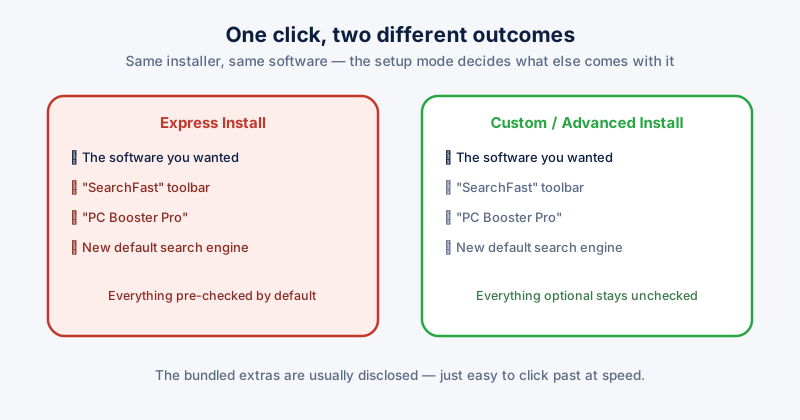
Adware and junkware removal: cleaning up what installers slip in
Adware and junkware are rarely the payload of a deliberate attack — they usually ride along with something you actually meant to install. Here is how to find and remove them.
ETA System Doctor
Practical guides to cleaning up your browser and keeping a Windows PC running well.
Adware and junkware are rarely the payload of a deliberate attack — they usually ride along with something you actually meant to install. Here is how to find and remove them.
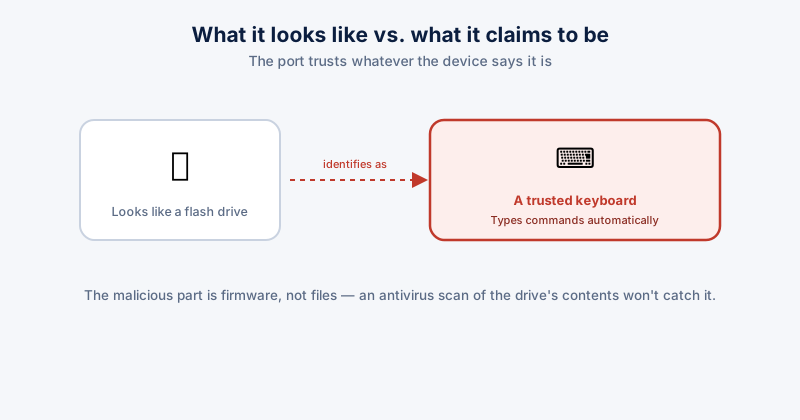
A USB drive can be a lot more than storage — it can present itself as a keyboard and type commands the moment it's plugged in. Here is what that risk actually looks like and how to reduce it.
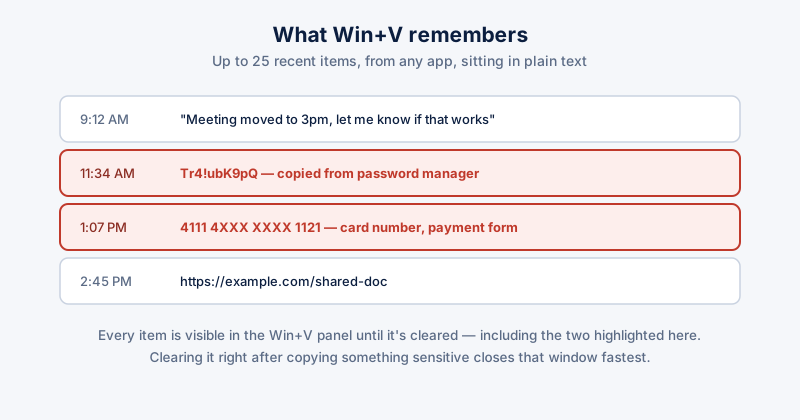
Windows keeps a running history of everything you copy — including passwords and card numbers pasted from other apps. Here is how clipboard history works and how to clear it.
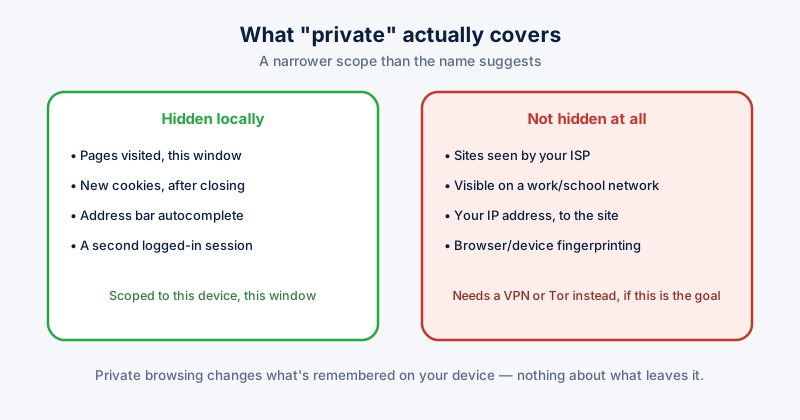
Incognito and InPrivate windows are the most misunderstood privacy feature in every browser. Here is exactly what they hide, what they don't, and how to actually browse privately.
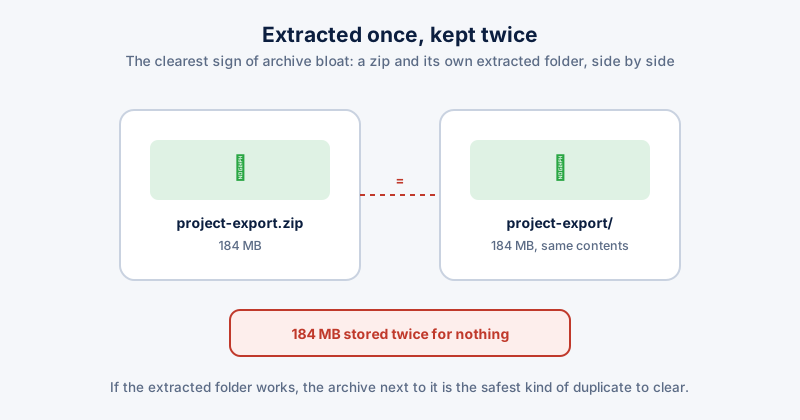
Downloaded archives get extracted once and then sit there forever, doubling their own space with an unpacked copy next to them. Here is how to find and safely clear that out.
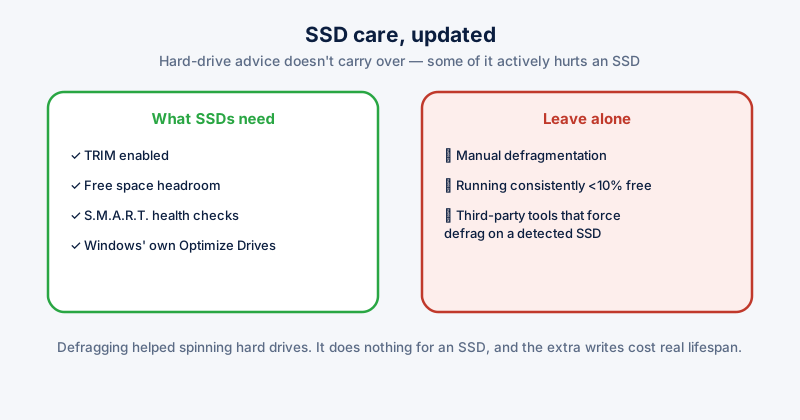
Defragmenting an SSD is outdated advice that can do more harm than good. Here is what actually keeps a solid-state drive fast — TRIM, health monitoring, and knowing what to leave alone.